
Getting Started
Let’s start applying what we have learned so far by setting up your company in RareBooks.
If you have not downloaded RareBooks, you can download it from the Microsoft Store.
Setup Instance
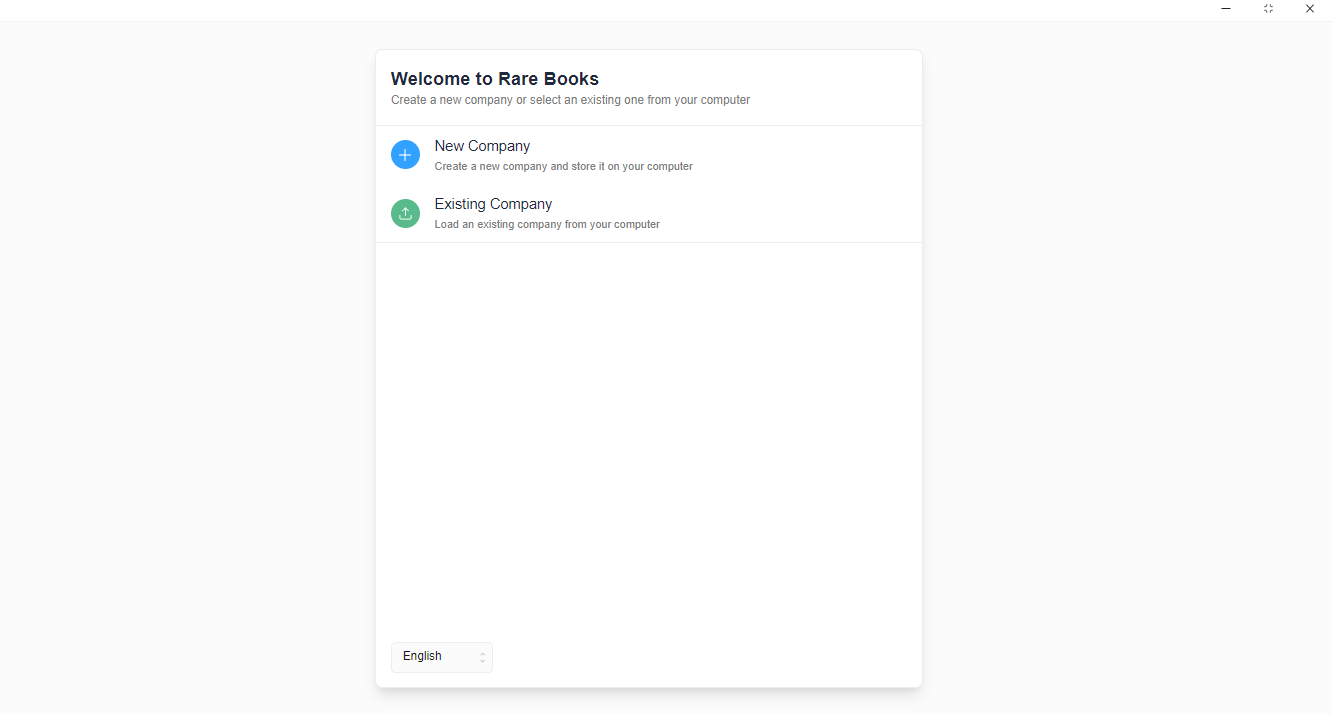
Section titled “Setup Instance”When you open RareBooks, you’ll be presented two options: New File and Existing File. If this is the first time you are opening RareBooks, click on New File.
Now select an appropriate location where you want to store the file and give it a name.
Now, enter your Business Name, Business Email and Country Information. This will help set up the correct Chart of Accounts based on your country.

Congratulations! You now have a company set up on RareBooks.
You can now move onto the next step to create some initial entries before you can start recording your invoices and transactions.